Security
Control how people sign in and keep a record of important activity.
Navi supports Microsoft single sign-on and local sign-in settings, records authentication and configuration changes, and keeps application errors available for investigation.
Single sign-on
Use your organisation's Microsoft sign-in.
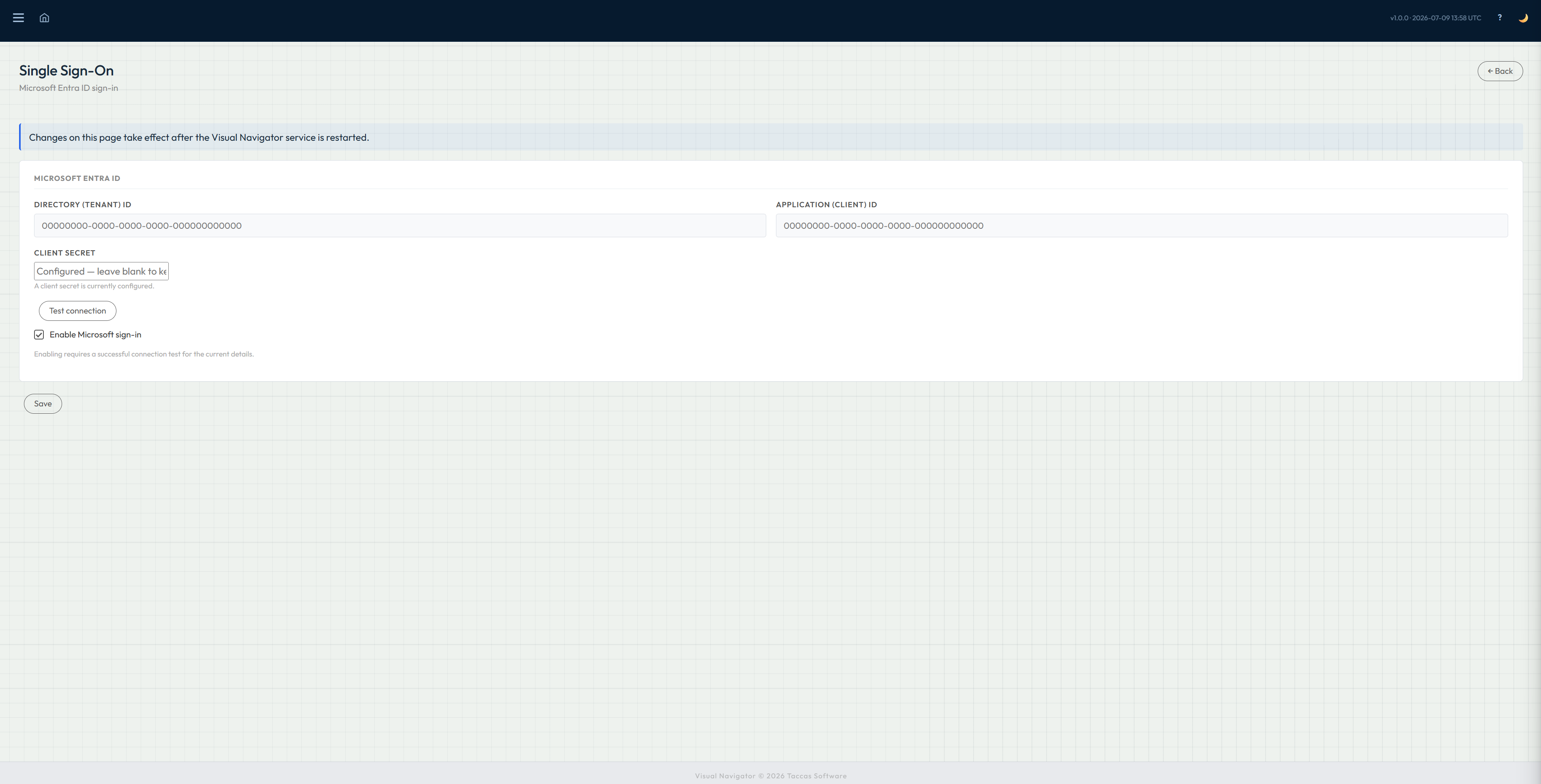
Navi can use Microsoft Entra ID so people sign in with their existing organisational account. Administrators enter the Microsoft application details and enable single sign-on when the setup is ready.
Local accounts remain available for installations that do not use Microsoft sign-in or for the access arrangements chosen by the organisation.
Audit trail
See important sign-in and configuration activity.
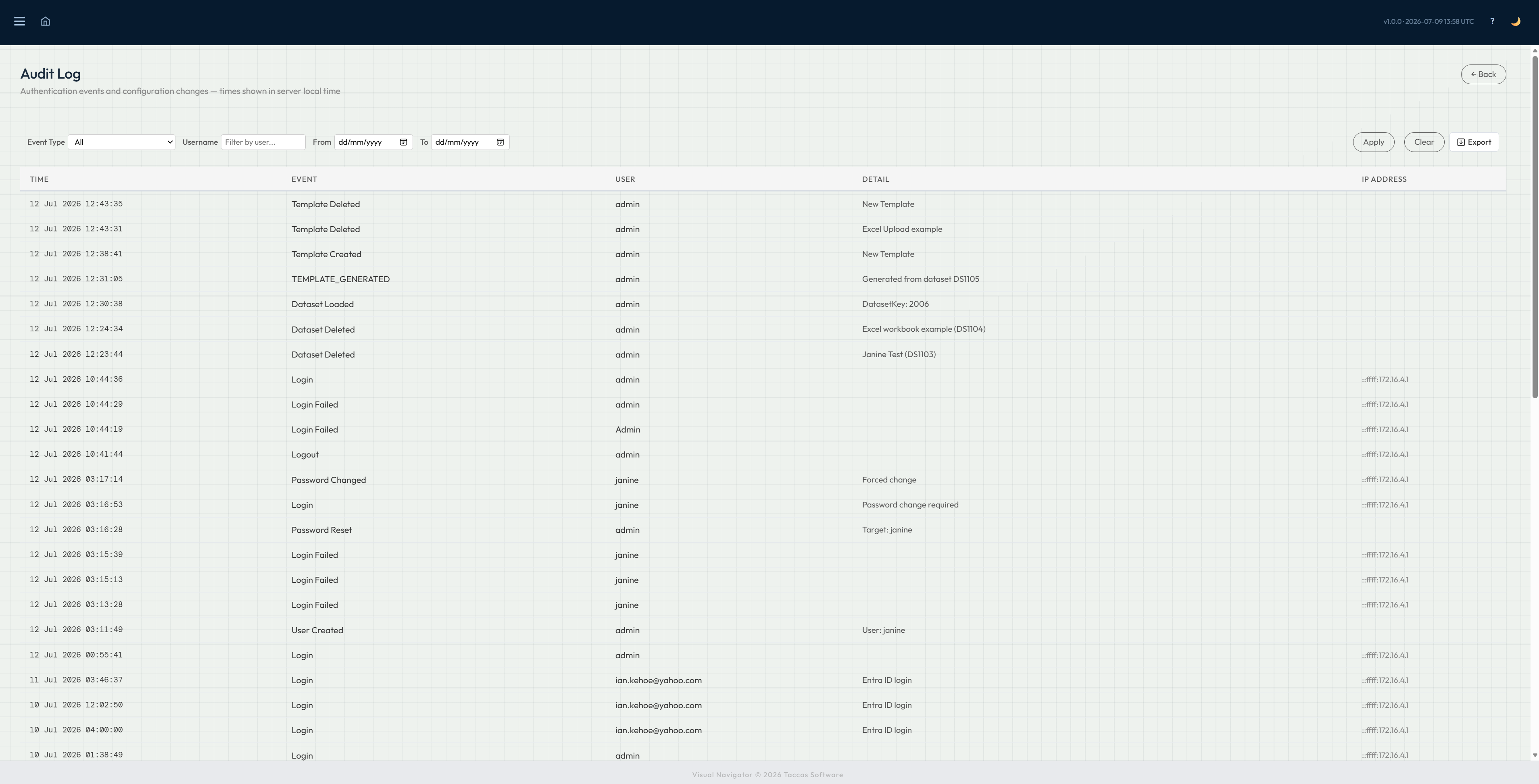
The audit trail records events such as successful and failed sign-ins, password changes, user creation, workbook loads and dashboard setup changes.
Filter the record by event, user or date range to investigate a specific question. The visible results can also be exported when they need to be reviewed elsewhere.
Error log
Give support staff a clear place to start.
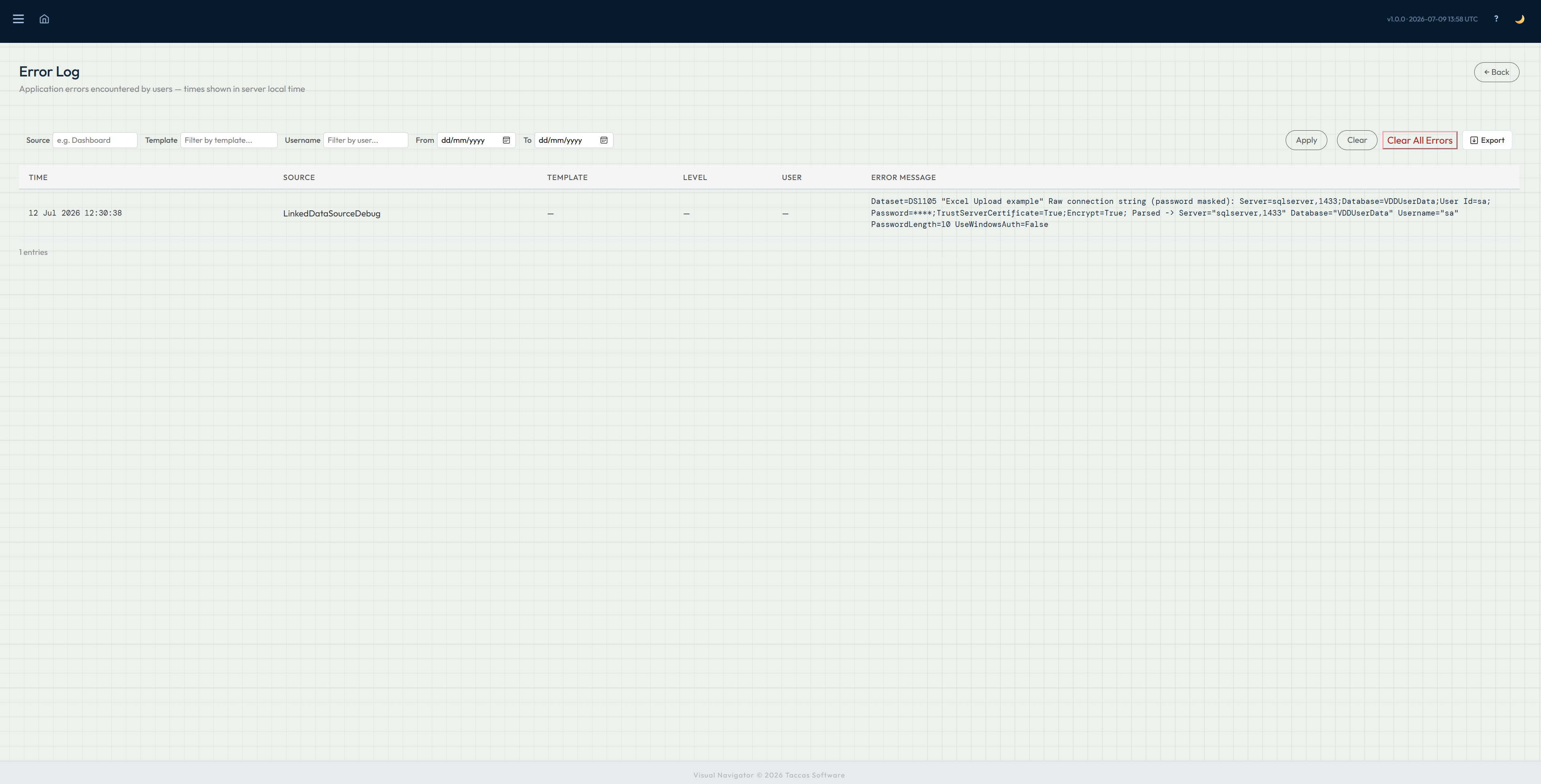
Application errors are kept separately from the audit trail. Each entry identifies where the problem occurred, the affected dashboard or stage when available, the user and the recorded error message.
Support staff can narrow the list by source, dashboard, user or date, then export the results for investigation. Keeping errors separate makes operational activity easier to read while preserving the technical detail needed to diagnose a problem.